
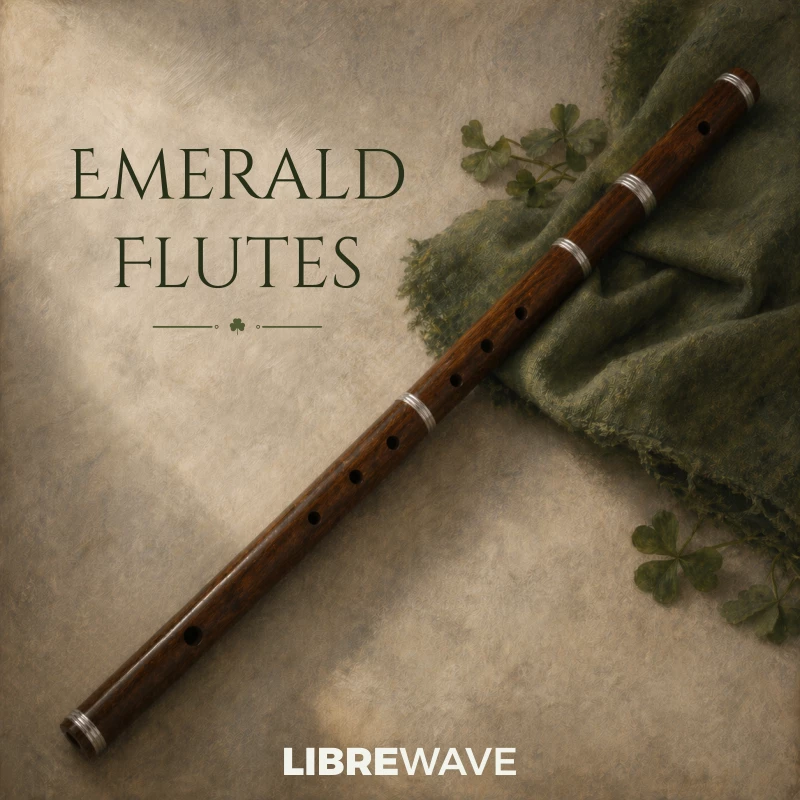
Emerald Flutes
Traditional Irish woodwinds, including Irish flute, tin whistle, and low whistle.
Emerald Flutes is a set of three Irish woodwinds: Irish flute, tin whistle, and low whistle.
All three are commonly used in traditional Irish ensembles alongside bodhrán, guitar, and fiddle.
The Irish flute is a transverse flute with a bright, clear tone.
The tin whistle has a lighter, higher pitched sound that stands out easily in a mix.
The low whistle offers a deeper, breathier tone suited to lower, more relaxed lines.
The library is recorded dry to give you control over space and help it sit cleanly with other instruments. Chain it with your own reverb to place it where you need.


Listen to Emerald Flutes
Highlights
Smooth Dynamics
The Performance articulation features three phase aligned dynamic layers.
Idiomatic Articulations
Keyswitches give you access to sustains, shorts, ornaments, and effects.
Playable Trills
Create natural trills in real time without switching articulations.
Traditional Instruments
Includes Irish flute, tin whistle, and low whistle in one consistent setup.
Ornaments
Features traditional techniques like crans that can be performed in real time.
Dry Recordings
Clean, unprocessed samples that are easy to place in any mix.
What’s Included
There’s a range of individual keyswitched articulations. Short sustain, staccato, and very short notes for tighter phrasing. The main Performance articulation is designed for playing. Instead of switching articulations yourself, it follows how you play and adapts. When you want finer control, you can move to the individual articulations.
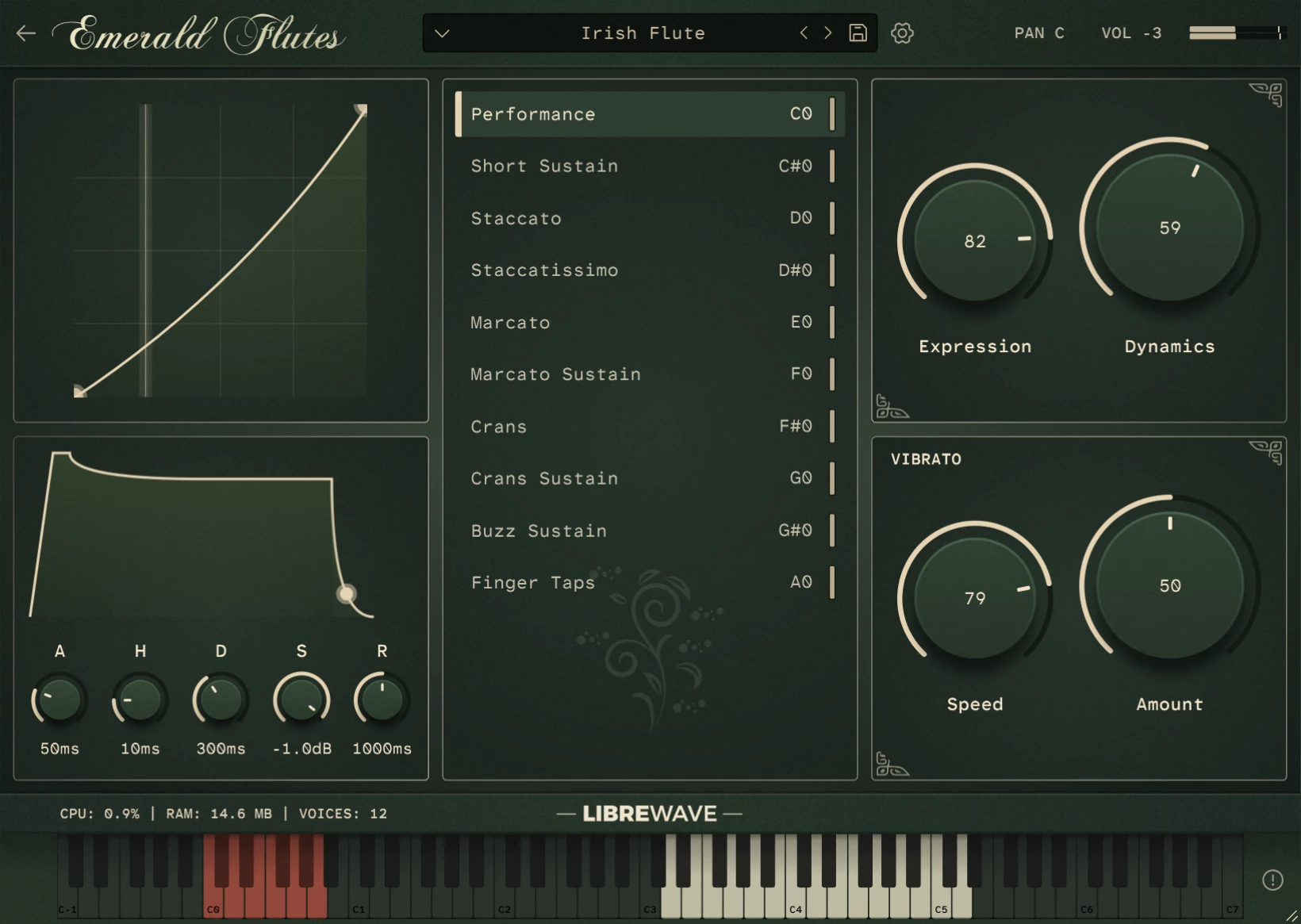
Each articulation has its own envelope and level, so you can balance and shape them to fit your part. Dynamics are straightforward. Longer notes use a continuous controller, shorter ones respond to velocity. Expression is separate if you want finer control. Vibrato has adjustable speed and depth.
Irish Flute
- Performance
- Short Sustain
- Staccato
- Staccatissimo
- Marcato
- Marcato Sustain
- Crans
- Crans Sustain
- Buzz Sustain
- Finger Taps
Tin Whistle
- Performance
- Marcato
- Marcato Sustain
- Flutter Tongue
- Flutter Tongue Vibrato
- Vocal Sustain
- Finger Taps
Low Whistle
- Performance
- Short Sustain
- Staccato
- Marcato
- Marcato Sustain
- Flutter Tongue
- Flutter Tongue Vibrato
- Vocal Sustain
- Finger Taps
Tech Specs
| Format | Rhapsody |
| Samples | 1334 @ 24-bit / 48kHz |
| Size | 600MB |
| Instruments | 3 |
| Articulations | 30 |
Rhapsody Player

Built for the free Rhapsody Player. Runs on Windows, macOS, and Linux.
What Our Users Say
Frequently Asked Questions
What is a sample library?
A sample library is a virtual musical instrument.
They are created by recording 1000s of individual notes on a real instrument.
These recordings are then chopped up into individual files, called samples, and mapped in software so that they can be triggered using MIDI.
Is it Apple Silicon Native?
Yes, the instrument runs within the free Rhapsody Player, which runs natively on both Intel and Apple Silicon systems.
Can I use it in commercial work?
Yes absolutely! For full details please see the software license.
Can I customise MIDI controls?
Yes you can right click on most controls to assign a MIDI CC. These values are saved with your DAW session or when you save a preset.
Can the Performance articulation play chords?
Yes, the Performance articulation has built in chord detection. If two or more notes are played at the same time it will automatically go into polyphonic mode.
Does it work in Pro Tools?
Yes. The instruments runs in the free Rhapsody Player which is available as an AAX plugin for use in Pro Tools.
Does it work in FL Studio?
Yes, but FL Studio occasionally brings up unique issues.
If you run into any problems in FL Studio there are two things you can try straight away.
- Firstly, make sure you are using an audio buffer size that is a power of two: 64, 128, 256, 512, 1024, etc.
- Secondly, enable FL Studio’s align tick lengths option. You can find this in Options > Audio Settings > CPU > Align Tick Lengths.
If you’re still having problems with Rhapsody Player in FL Studio please contact us and we’ll do what we can to get you up and running.
How do I install it?
The instrument runs within the free Rhapsody Player.
Simply download and install Rhapsody, and download all the .hr files for the instrument – there might just be one file or there could be multiple, it varies by instrument. The files are numbered so you know how many there are.
Next launch the Rhapsody standalone app, then click the + button and follow the on-screen instructions to install the instrument.
Is it suitable for other genres?
Yes. The dry recordings and simple controls make it easy to use with any style of music.
What is the playable range of each instrument?
Each instrument is mapped to a realistic range, shown on the on-screen keyboard.
And Breathe
From delicate whispers to deep, breathy lines. Give your melodies a voice.